
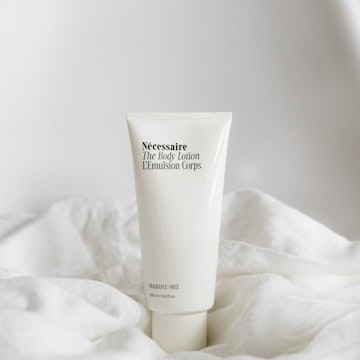
What’s new
- A One-time / Subscribe & save choice on each recommended product with a subscription plan, with both prices and a savings badge.
- A delivery frequency picker using your plans.
- Subscription-only products show just the subscribe option.
- View cart and Checkout build the cart with each plan applied — subscriptions and one-time items in the same checkout.
Why it helps
A quiz recommends what a shopper actually needs, so it’s the perfect moment to offer a subscription. A one-time order becomes repeat revenue.
No API key, no theme code
On Shopify, every subscription app publishes its plans to your store, and the quiz reads them live. On WooCommerce, the ShopperQuiz plugin (1.1.0 or later) reads your WooCommerce Subscriptions plans. Subscription orders from your quiz show up in Analytics (Pro) and in your integrations.
How to turn it on
Create a plan in your subscription app
Add the products you recommend in quizzes.
Turn it on for a quiz
Open Quiz Builder → Results Screen → Subscriptions and turn on Offer subscribe & save on results.
Save and preview
Choose the default option, click Save, then open Preview.
Learn more
Try it in your store
Already using ShopperQuiz? Everything is in your dashboard. New here? Start free on Shopify or WooCommerce — no credit card required.